Hardware
The devices that run and display your digital signage content with ScreenCloud.
Software
Our platform, where you upload and manage your screen content.
Support & Services
The expert help and guidance that only ScreenCloud offers.
For Your Team
Industries
Use Cases
Case Studies
Learn
Connect
Articles, blogs, ebooks, podcasts, webinars and other best practices content for digital signage.
Product Updates
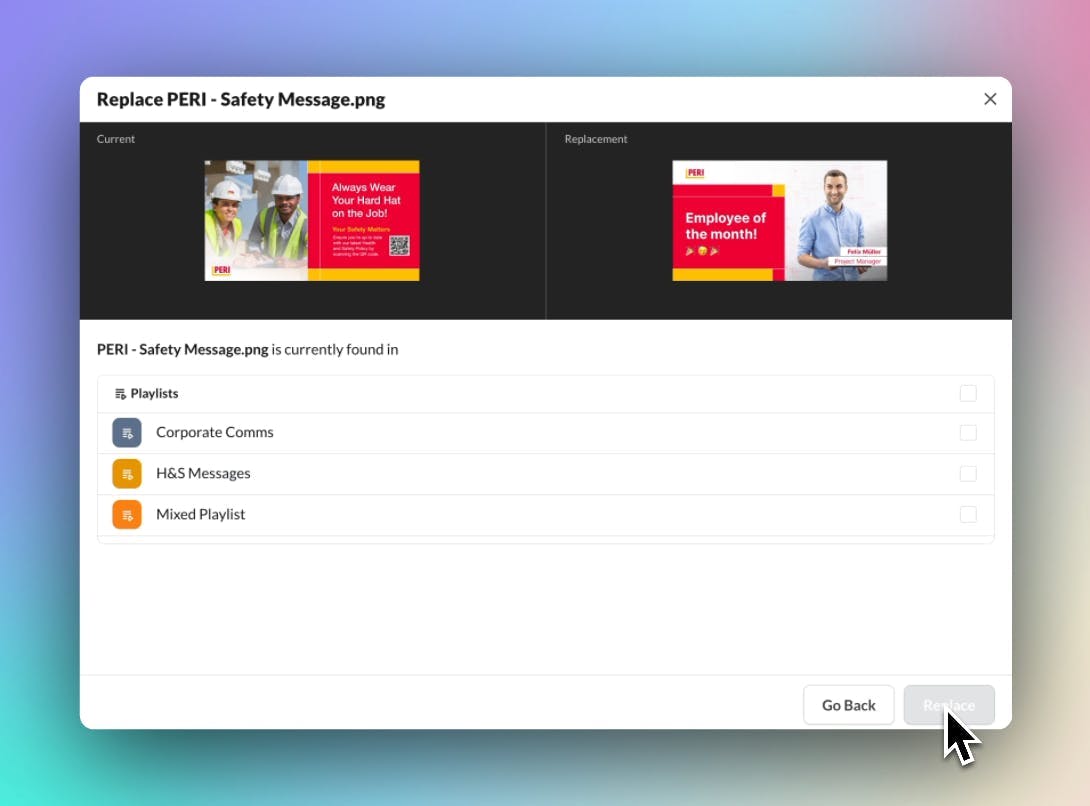
Replacing an urgent announcement or uploading crucial information about upcoming shift changes can be time-consuming, especially if you have multiple playlists for different locations. Use the Find & Replace feature to quickly replace media that is already located in Channels and Playlists.
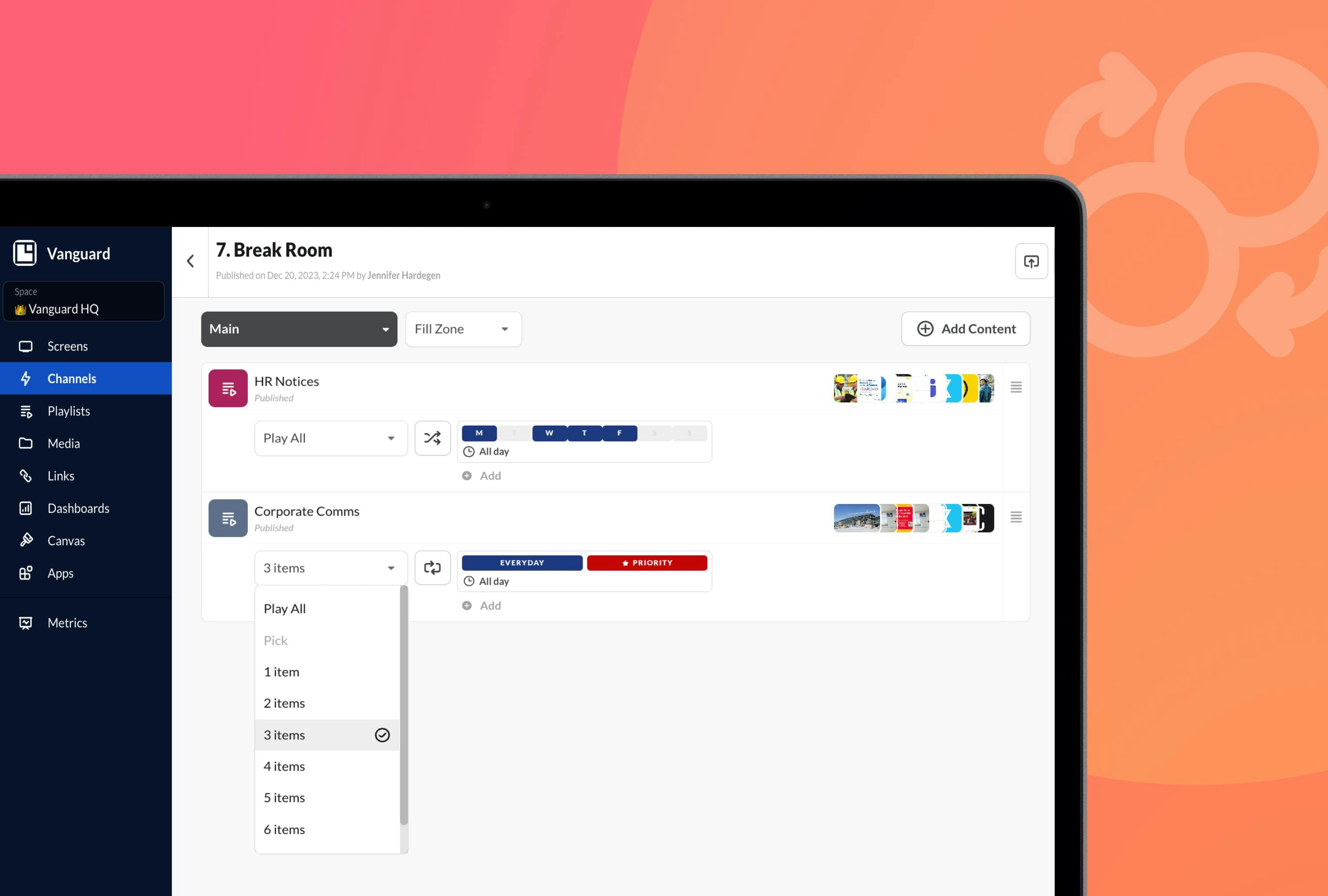
Discover how the Dynamic Play feature can streamline content and simplify content management by shuffling playlists or picking items for playback to reinforce your messaging.
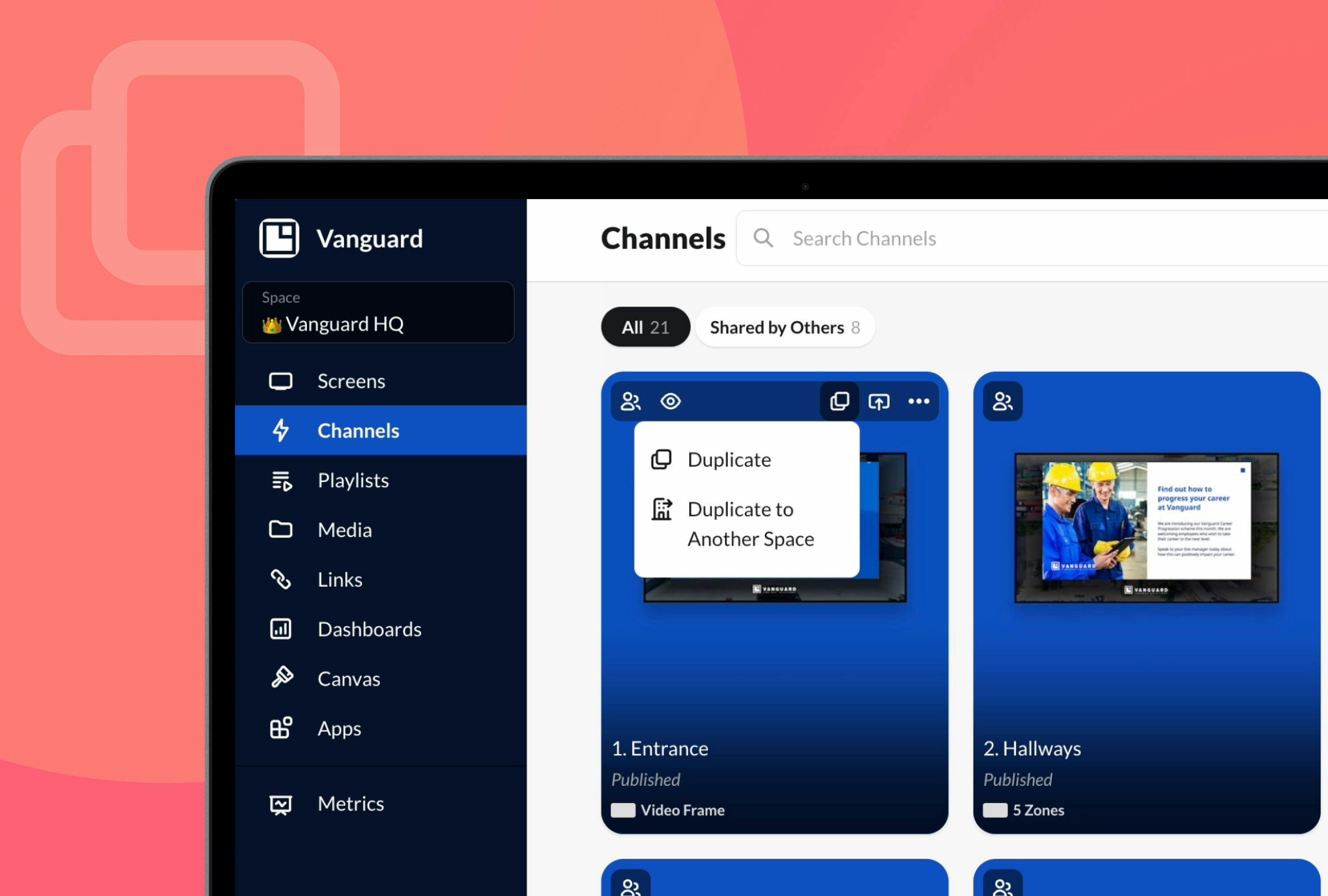
ScreenCloud's duplication feature saves valuable time and effort for businesses, eliminating the need to spend tedious hours copying your channels, playlists, and entire Spaces minimizing the risk of data loss in the process.
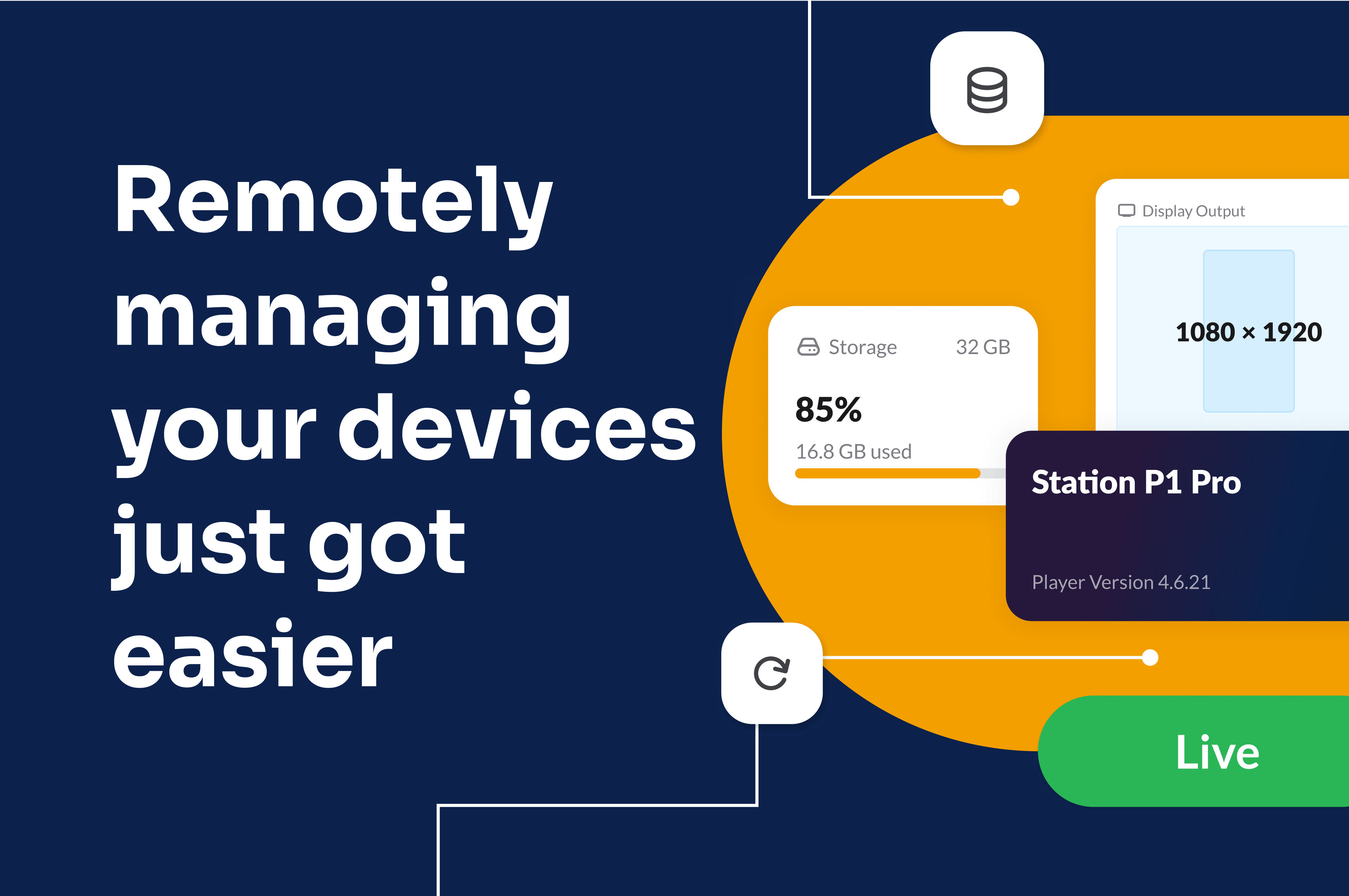
A new look for remote device management features and device information in Studio, now with easier control and visibility into your entire fleet of digital signage devices.
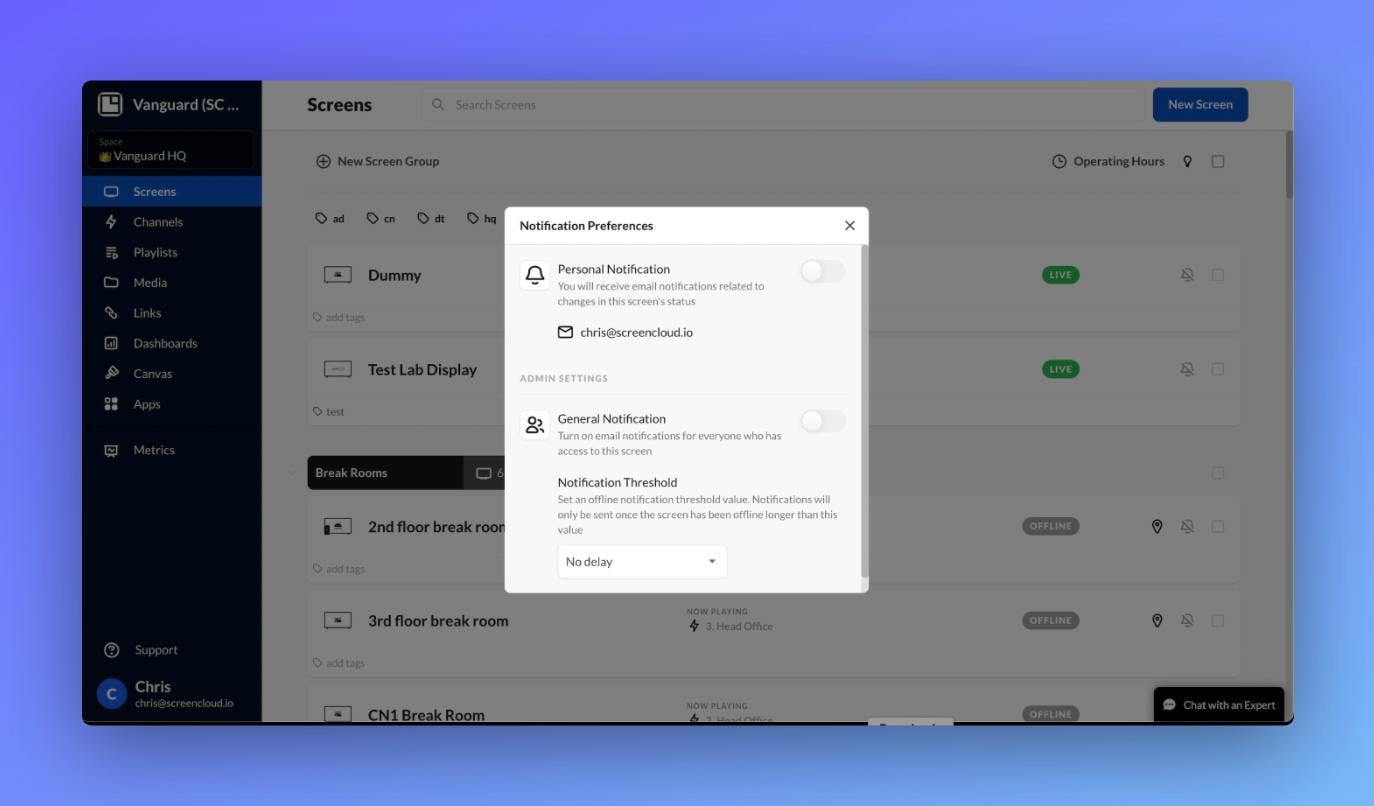
ScreenClouds Screen Status Notification feature sends email alerts directly to the user's inbox whenever a screen goes offline or comes back online.
Articles
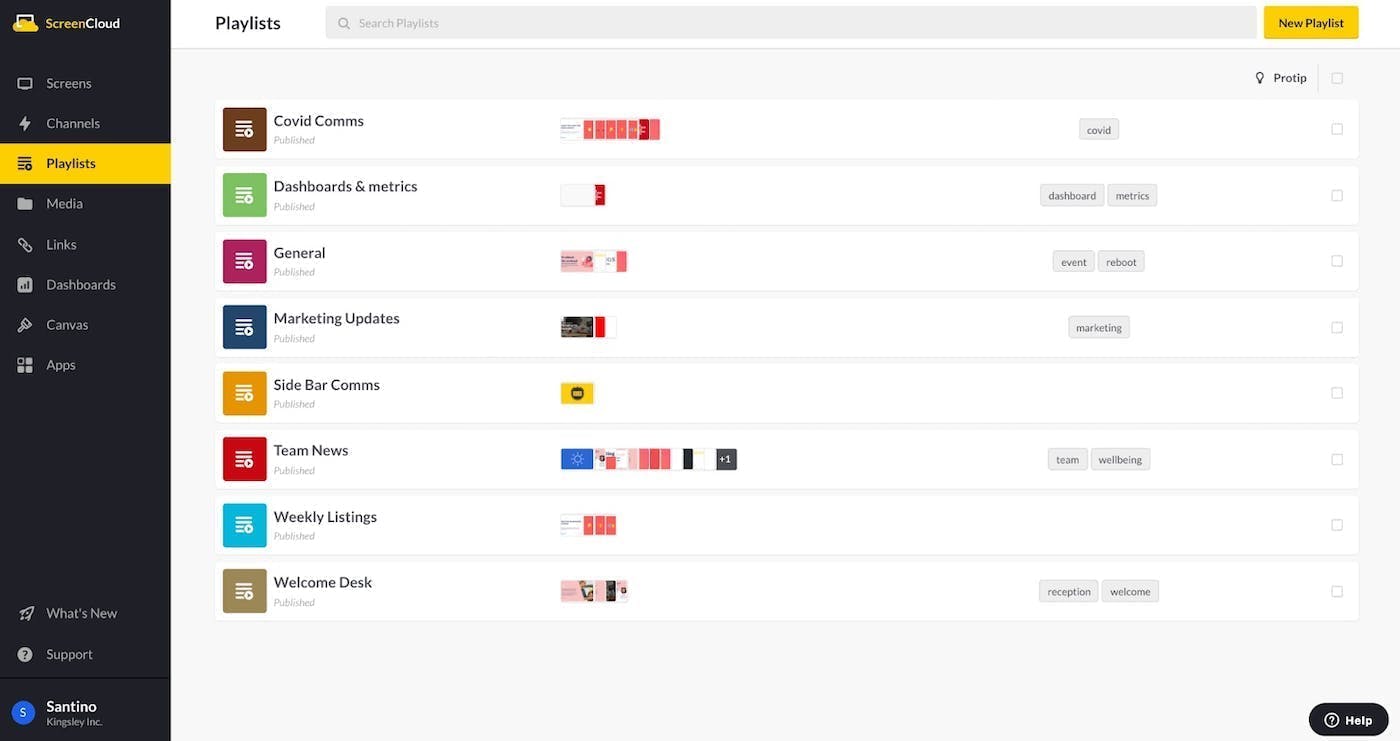
What is a digital signage playlist? Find out how to curate and display your content via screens using signage software and reach a broader audience.
Blog
Our digital signage market report looks at the stats and trends relating to the global digital signage market.
eBooks
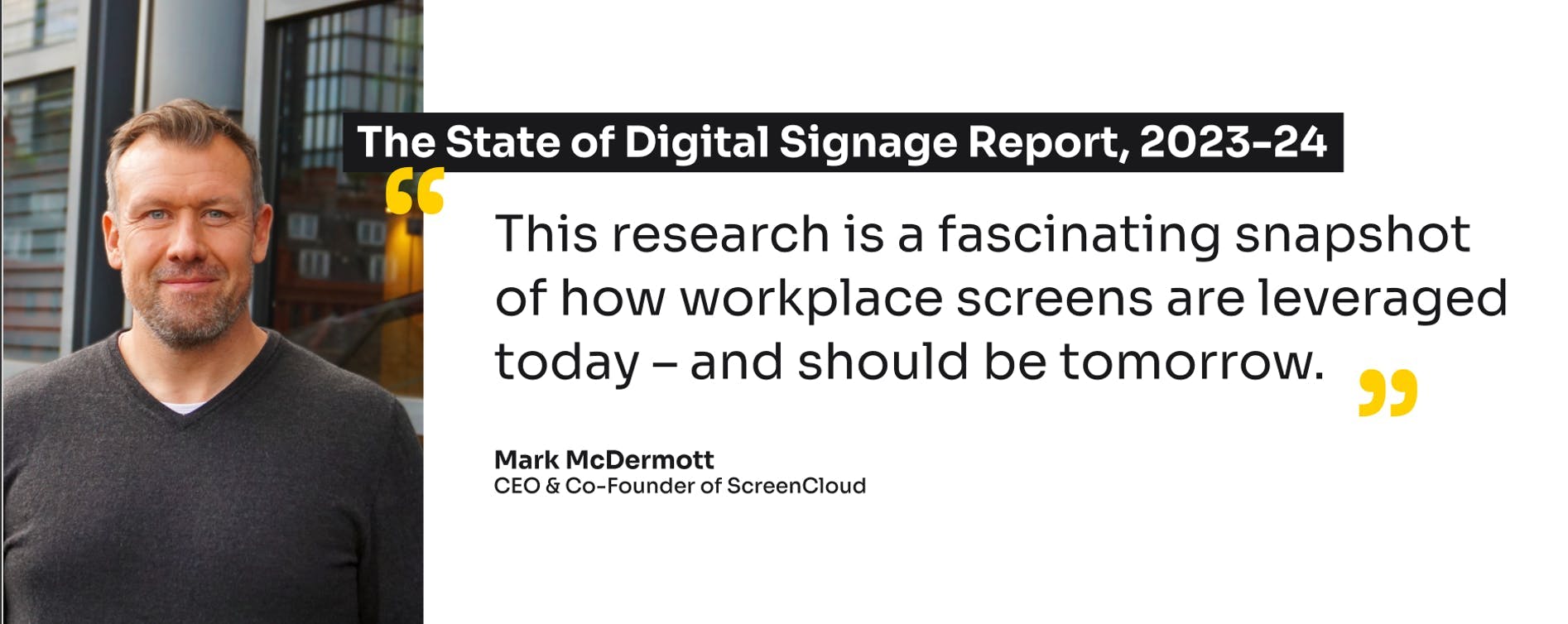
How is digital signage really used at enterprise organizations – from the perspective of 2,400 decision-makers and deskless workers in the US and UK? See our latest State of Digital Signage Report to find out.
A memorable welcome message can greatly improve the visitor experience. Find out how to use digital signage for welcome boards in offices, retail and more.
Digital displays in offices, shops and public spaces are great for information and promotional messages. But how often should you update content on signs?
Interactive displays and digital signage can increase customer engagement and boost sales. But what are interactive digital signs and how can you use them?





 Previous