Hardware
The devices that run and display your digital signage content with ScreenCloud.
Software
Our platform, where you upload and manage your screen content.
Support & Services
The expert help and guidance that only ScreenCloud offers.
For Your Team
Industries
Use Cases
Case Studies
Learn
Connect
Articles, blogs, ebooks, podcasts, webinars and other best practices content for digital signage.
Articles
More businesses than ever have multiple sites and offices making remote presentations more common. Find out how to present a successful virtual meeting.
How to build a video portal between your offices, with TVs, Zoom, YouTube Live, and smartphones or webcams.
Product Updates
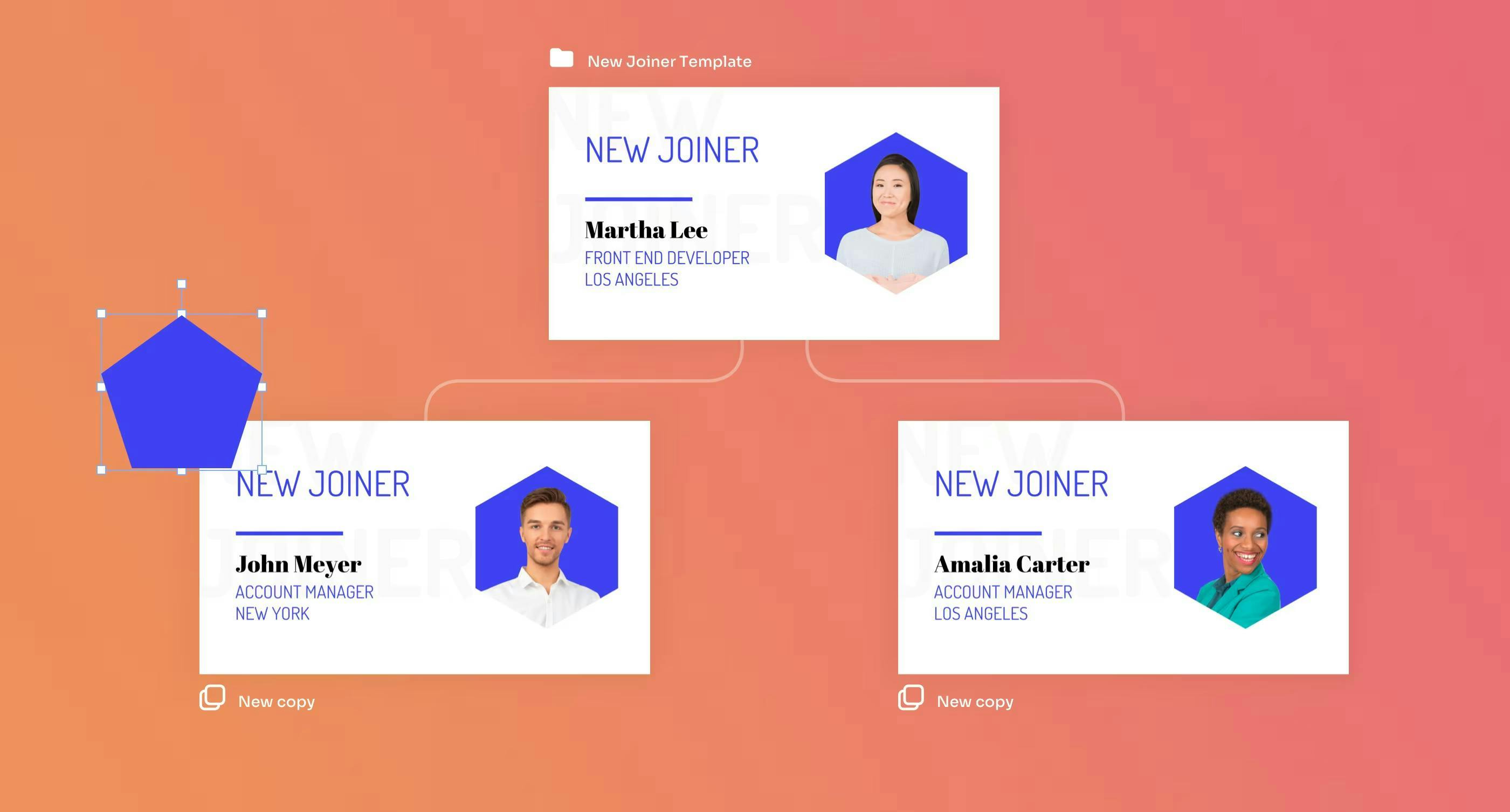
Canvas is ScreenCloud's in-app editor designed to help you create and quickly publish designs to screens. Learn the basic functions and best practices, including how to customize your Template Gallery.
eBook
Everything you need to know before buying screens for your company’s digital signage
Using digital signage can help to streamline business processes, from advertising to internal comms. Find out how IT and HR teams can save money using screens.
Screen sharing is more than just business presentations. We look at some of the ways to use digital signage for your on screen displays in different industries.
With a cloud-based digital signage platform like ScreenCloud, you can manage screens across each of your company’s locations across the globe from a browser.
How to use wording and design to capture attention with your office TVs.
Everything you need to make your first digital signage rollout a success
Digital signage has changed the way businesses interact with their customers. But AR or augmented reality offers a new perspective for signage - find out more
Dwell time is how long someone (consciously) looks at your content. You can also think of it in terms of audience engagement and how long they interact with your content. Usually, especially online, the longer the dwell time, the more likely action will be taken.








 Previous